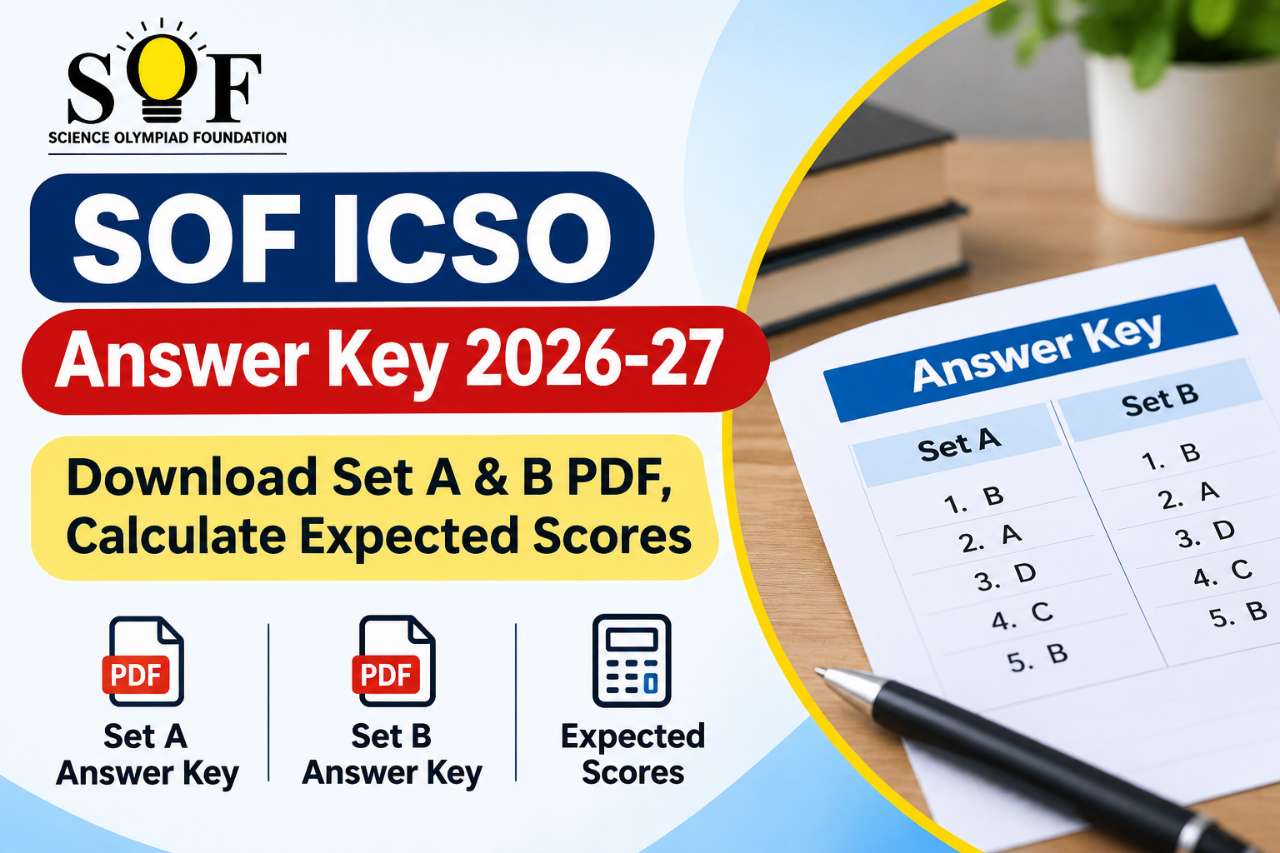
The SOF ICSO answer key 2026-27 helps school students from Classes 1 to 10 check how they performed in the International Computer Science Olympiad (ICSO) before official results arrive. The Science Olympiad Foundation publishes separate PDF keys for Set A and Set B, matching the question paper your school received. With Set A held on 24 September 2026 and its answer key released on 4 November 2026, families can now tally responses, discuss weak topics, and set a realistic target for medals and school-level recognition. Set B examinees who test on 17 December 2026 should expect keys in January 2027, with consolidated results typically in the first week of March 2027.
Whether you are a parent in metro cities or a student in the Northeast exploring future BCA, B.Tech Computer Science, or IT programmes, understanding how to use the ICSO key correctly builds exam literacy early. Strong Olympiad habits reading instructions, marking clearly, and verifying answers against an official key also prepare you for board exams, entrance tests, and campus placements later. This guide explains dates, download steps, scoring logic, Set A/B/C differences across years, and how ICSO fits into India's broader computer science education pathway.
What Is SOF ICSO and Why Does the Answer Key Matter?
ICSO stands for International Computer Science Olympiad. SOF conducts it annually to assess logical thinking, basic programming concepts, hardware awareness, internet safety, and application skills aligned with school-level computer science curricula. Unlike a single national entrance exam, ICSO is participation-oriented: millions of students attempt it through registered schools, making the post-exam answer key one of the few transparent tools to self-evaluate before rank lists and certificates are issued.
The answer key matters because:
- Immediate feedback: You see which questions were correct without waiting for the full SOF result cycle.
- No guess penalty: SOF ICSO has no negative marking, so your estimated score equals the count of correct answers (weighted as per the official marking scheme in the key PDF).
- Class-wise clarity: Keys are released separately for each class, so a Class 7 student never mixes solutions with Class 8.
- Set-wise accuracy: Schools receive different sets (A, B, and in some academic sessions Set C). You must match your exam set to avoid wrong comparisons.
For students who later aim for degrees at institutions such as Assam Down Town University or other universities offering computer science and IT courses, early exposure through ICSO can strengthen problem-solving speed and digital confidence skills admissions teams value alongside board percentages.
ICSO Answer Key 2026-27: Important Dates
Planning around SOF timelines reduces last-minute confusion. The 2026-27 session follows the usual two-set pattern for many schools: Set A in the first half of the academic year and Set B toward winter. Always confirm your school's registered set on the admit card or school notice board.
| Event | Date (2026-27) |
|---|---|
| ICSO Set A examination | 24 September 2026 |
| ICSO Set B examination | 17 December 2026 |
| Set A answer key release | 4 November 2026 (released) |
| Set B answer key release | January 2027 (expected) |
| ICSO result declaration | First week of March 2027 (expected) |
Action tip: Bookmark the official SOF portal and check the "Answer key and Cutoff" section weekly after your exam date. Set B keys often appear with less media coverage than Set A, yet they are equally authoritative for scoring.
SOF ICSO Answer Key Sets: A, B, and C Explained
Set A and Set B in 2026-27
For the current session, SOF has emphasised Set A and Set B answer keys for Classes 1 through 10. Each set contains the same syllabus scope but with different question order and wording. Your school admin selects one exam date/set as per SOF registration. Download only the PDF labelled for your set; mixing Set A solutions with a Set B paper can wrongly deflate or inflate your expected score.
When Set C Appears
In earlier academic cycles (for example 2025-26), SOF also published a Set C key for some classes. Set C is not always announced for every new session until SOF confirms exam logistics. If your admit card mentions Set C, wait for the dedicated link on sofworld.org rather than using unofficial keys. Historical set-wise archives on the official site help you practice past papers once your set's key is verified.
Class-Wise PDF Structure
Each downloadable file typically lists question numbers, correct options (for objective items), and sometimes brief solution hints. Primary classes (1–5) focus on fundamentals: parts of a computer, simple algorithms, and safe internet use. Middle school (6–8) adds flowcharts, basic coding logic, and spreadsheets. Upper primary/secondary (9–10) touches databases, networking basics, and structured problem-solving. Use the key to tag mistakes by topic not just by question number so revision is syllabus-driven.
How to Download ICSO Answer Key 2026-27 from sofworld.org
Official keys are free and should be downloaded only from sofworld.org or links clearly hosted under SOF's domain. Avoid third-party sites that bundle ads or outdated PDFs.
- Open the official Science Olympiad Foundation website.
- Navigate to the Answer key and Cutoff 2026-27 section from the homepage or announcements bar.
- Select ICSO and choose your set (Set A available now; Set B when published).
- Pick your class (1 to 10 for current ICSO keys; some navigation menus may list additional classes choose the class you appeared for).
- Save the PDF, cross-check the set name and class on the first page, then compare with your question paper booklet.
On mobile, use "Download" and open in a PDF reader that allows search by question number. Print only if your school permits; many keys are watermarked for authenticity.
Calculate Your Expected ICSO Score (Step-by-Step)
Because there is no negative marking, estimation is straightforward compared to exams like JEE Main. Still, follow a disciplined method:
- Match set and class on the PDF header with your admit card.
- Mark responses you are sure about first; flag doubtful ones separately.
- Apply the key question-by-question; note topics where you erred (e.g., loops, memory units, cyber ethics).
- Count correct answers as per the marking note in the PDF (usually one mark per correct MCQ unless stated otherwise).
- Record an estimated range if unofficial keys disagree official SOF PDF prevails for any challenge or clarity.
Example: A Class 8 student attempts 35 objective questions, gets 28 confirmed correct after using the Set A key, and leaves 7 blank or uncertain. With no deduction for wrong answers, the conservative estimate is 28 marks; if all 7 doubtful ones were wrong, the score remains 28. If some doubtful ones were right, adjust upward. This range helps set expectations before percentile-style school comparisons.
Official vs Unofficial ICSO Answer Keys
Coaching centres and educators sometimes release unofficial keys within hours of the exam, especially for Classes 5–10. These can help early discussion but may contain errors on ambiguous questions. Treat unofficial keys as discussion starters; final trust rests on SOF's published PDF.
- Official key: Used for result processing; aligns with SOF's final answer logic.
- Unofficial key: Useful for peer learning; verify every disputed question against textbooks and NCERT computer science material.
- Challenge window: If SOF opens objection forms in a given year, keep your question paper scan and working notes ready policies vary by session, so read the notification on the official site.
ICSO Exam Pattern and Syllabus Snapshot
Understanding pattern helps interpret why certain answers in the key are framed the way they are. ICSO is typically a pen-and-paper or school-conducted test (mode may vary by registration year) with objective-type questions drawn from grade-appropriate IT concepts.
Common Section Themes
- Computer fundamentals and history
- Software, operating systems, and file management
- Logical reasoning and pseudo-code
- Internet, email etiquette, and cyber safety
- MS Office or equivalent productivity tools (as per class)
- Introduction to programming logic in higher classes
Preparation Tips After Using the Answer Key
Turn key review into a study plan:
- Re-do incorrect questions without looking at solutions, then re-check.
- Maintain a "mistake notebook" for recurring concepts like number systems or algorithm steps.
- Attempt previous-year ICSO papers with timed conditions.
- Join school computer clubs or online coding playgrounds for hands-on practice.
Results, Cutoffs, and Recognition After the Key
Answer keys precede SOF ICSO results. Schools receive participation details; top performers may earn medals, certificates, and national-level recognition depending on SOF criteria for that year. Cutoffs are not always published like engineering entrances; instead, SOF uses internal benchmarks and comparative performance. Use your estimated score to gauge effort level, not as a guarantee of a specific medal tier.
After results, students interested in higher education should explore accredited universities and polytechnics. Olympiad participation strengthens scholarship and personal statement narratives, especially for computer science, BCA, and B.Sc IT pathways. Students from Assam and nearby regions, for instance, often compare campus infrastructure, industry tie-ups, and fee structures when choosing between state private universities and national institutes starting research early avoids rushed decisions after Class 12.
ICSO and the Path to Higher Education in Computer Science
ICSO is not a college admission exam, but it signals aptitude and curiosity traits that align with success in degree programmes. Indian higher education offers multiple routes:
- Engineering (B.Tech CSE/IT): Requires JEE Main, state CETs, or university-specific tests.
- BCA and B.Sc Computer Science: Often merit-based on Class 12 marks with mathematics or computer science subjects.
- Diploma and vocational IT courses: Skill-focused options after Class 10 or 12.
Document your ICSO certificates for portfolio folders and interview talking points. Pair Olympiad experience with board exam performance and practical projects (small apps, websites, or cybersecurity awareness workshops) for a well-rounded profile. Exploring campuses whether in your home state or at universities like Assam Down Town University helps you understand lab facilities, faculty specialisation, and internship pipelines before application season peaks.
Common Mistakes When Using the ICSO Answer Key
- Downloading another class or set PDF
- Ignoring updated keys if SOF revises a question
- Counting unofficial answers as final
- Skipping review of unanswered questions (remember: no negative marking encourages attempting all)
- Comparing raw scores with friends who wrote different sets on different dates
Correct these habits early to build accurate self-assessment skills for future competitive exams.
Conclusion
The SOF ICSO answer key 2026-27 for Set A is already available online; Set B candidates should prepare to download their class-wise PDF in January 2027 after the December exam. Use only official SOF materials, match your set and class precisely, and estimate scores knowing there is no negative marking. Treat the key as a learning tool: analyse errors, strengthen computer science fundamentals, and align long-term goals with reputable degree programmes. With results expected around early March 2027, disciplined follow-up over the next few months can turn a single Olympiad attempt into lasting academic advantage whether you pursue engineering, BCA, or specialised IT studies across India.